Setting Tiles in Tiled
Tiled's recent's version has changed the way they add new tilesets.
Embed a Tileset to a Map
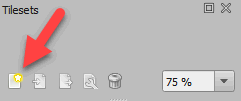
1. Press the New Tileset icon in Tilesets tab.
3. The New Tileset window should appear.
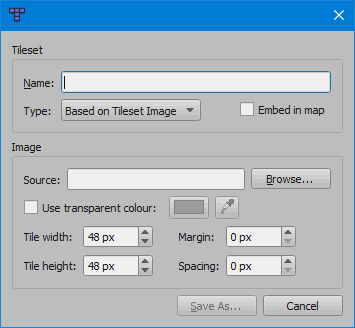
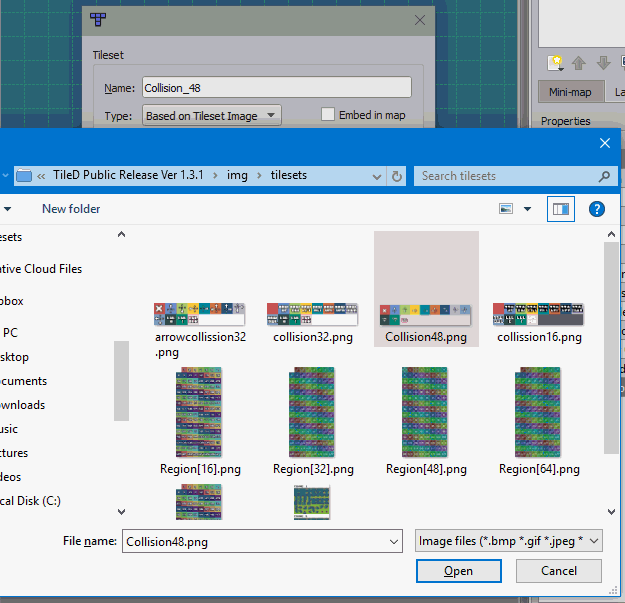
4. Click Browse and select tileset
from Project Folder/img/tilesets.
5. Change the Tile Width and Tile Height to your desire. Normally, it should be based on what you have set on that map. For this example, we'll be setting 48x48. It should look like this:
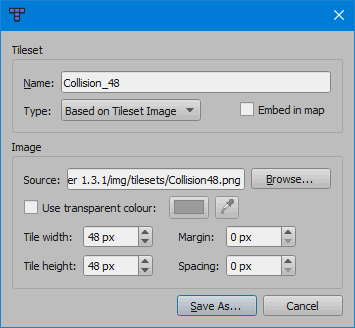
6. Press Save As... and save
it on the folder where all your TSX files will be saved.
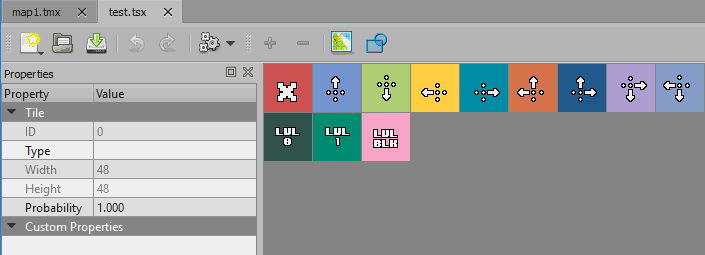
7. You will get a new tab of the TSX file.
Do not close this tab without
drawing a tile on the map first.
Doing so, will make the tileset disappear from your map.
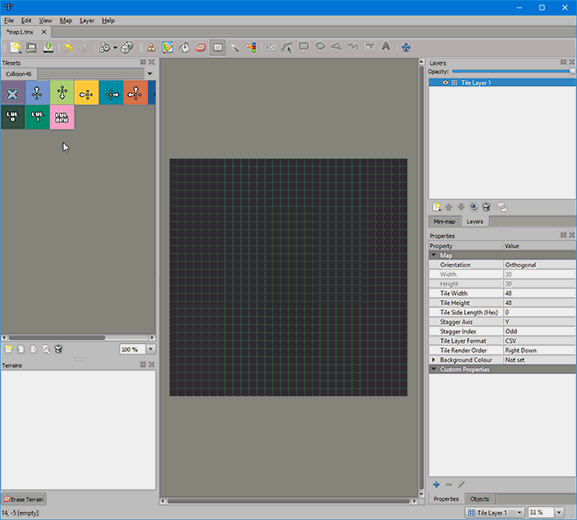
8. If you accidentally closed it, it will just require an extra step. Press Map -> Add External Tileset... and select the newly created TSX file. And you're done!
To have animated tiles, read the Setting Animated Tiles.